
calibre
Kovid Goyal
The one stop solution to all your e-book needs
Copied! Paste it into a terminal and press Enter to install.
About
This is a community package of calibre, maintained independently and unaffiliated with the calibre project. It repackages the official upstream Linux binary bundle unmodified, and follows upstream releases automatically.
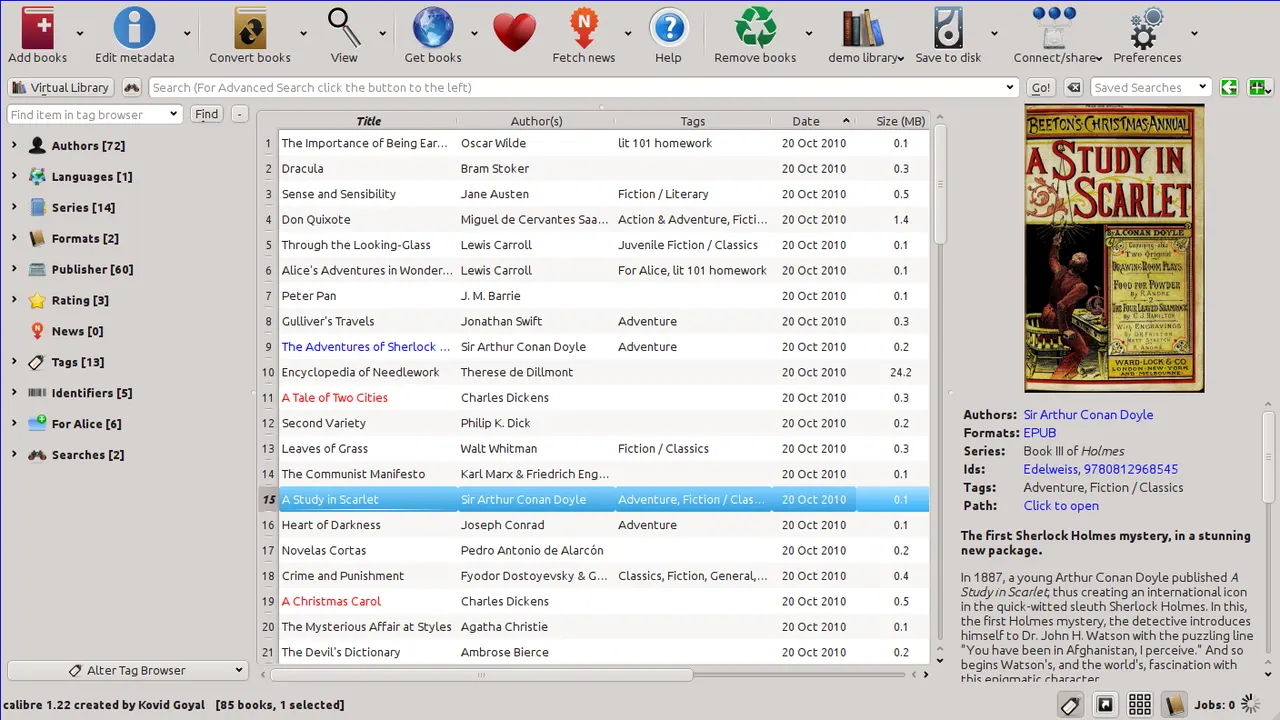
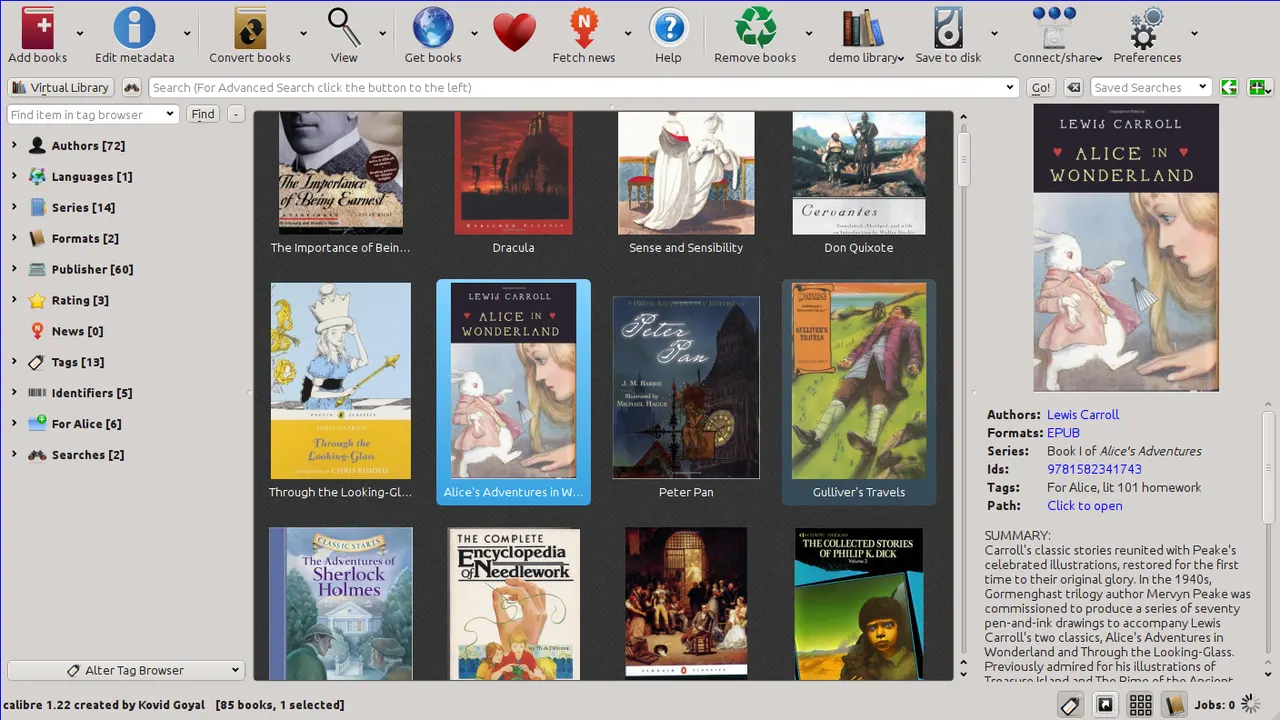
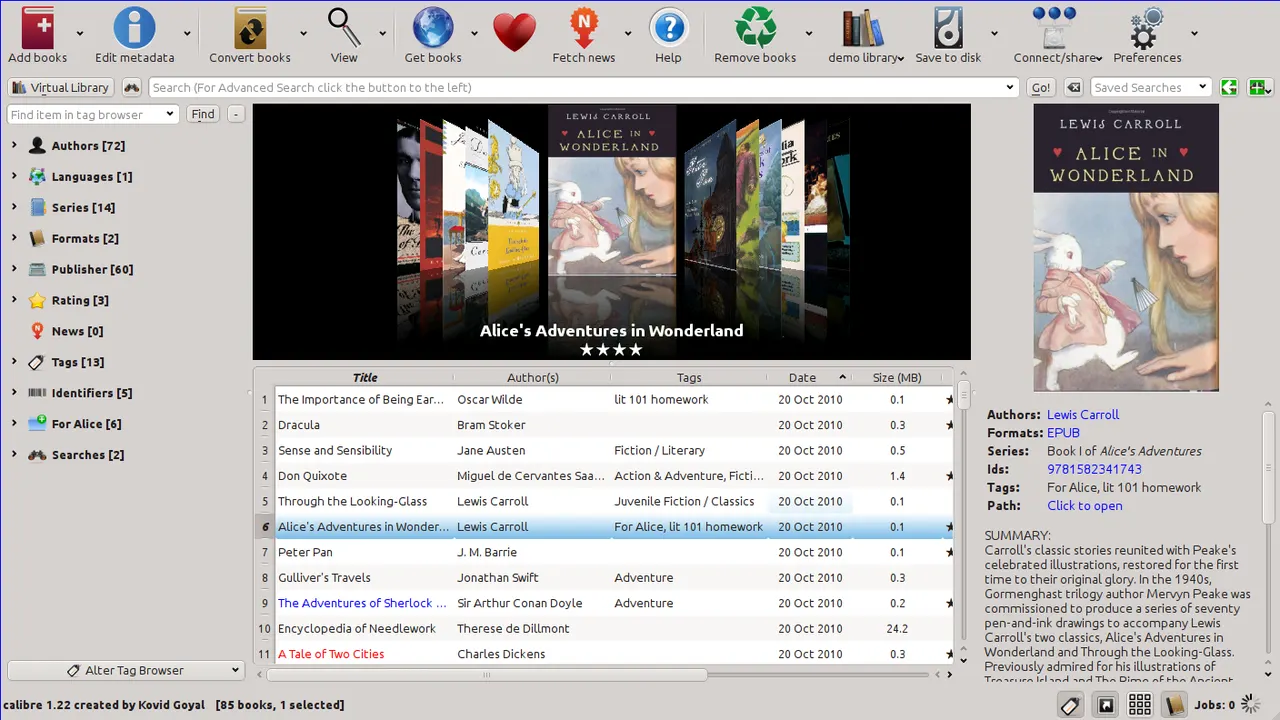
calibre is a free and open-source e-book library manager. You can use it to catalog your books, fetch metadata for them automatically, convert them from and to all the various e-book formats, send them to your e-book reader devices, read the books on your computer, edit the books in a dedicated e-book editor and even make them available over the network with the built-in Content server. You can also download news and periodicals in e-book format from over a thousand different news and magazine websites.
- Library management: organise a collection of any size with custom columns, tags, saved searches and virtual libraries.
- Format conversion between EPUB, AZW3, MOBI, PDF, DOCX, FB2, HTMLZ, TXT and more, with a full-text search index over the whole library.
- E-book viewer with annotations, highlights, bookmarks, dictionary lookup and Read aloud text-to-speech.
- E-book editor for EPUB and AZW3, with live preview, spell check, a report of errors and automated cleanup tools.
- Content server: read and manage the library from a browser or another device on the network.
- News download: build periodicals from over a thousand recipes and read them like any other book.
The E-book viewer and the E-book editor are exported as their own launchers. calibre's command-line tools are available too, for example flatpak run --command=ebook-convert com.calibre_ebook.calibre book.epub book.azw3 and the same for calibredb, ebook-meta, ebook-polish, calibre-server, fetch-ebook-metadata and calibre-debug.
Permissions: this package does not grant your whole home directory or the host filesystem. It grants your Documents folder, where a new library is created (Documents/Calibre, instead of calibre's usual ~/Calibre Library), your Downloads folder (for adding new books and for the auto-add folder), and removable drives under /run/media together with USB device access, so connected e-readers (Kindle, Kobo, PocketBook, MTP readers, ...) work out of the box. Adding books from anywhere else and saving books to disk go through the system file chooser. If your library is kept somewhere else, grant it with flatpak override:
- A library elsewhere in your home directory:
flatpak override --user --filesystem=~/Books com.calibre_ebook.calibre(use your library's path;--filesystem=homegrants the whole home directory). If calibre reports that your library is missing after an update, this is the fix. - A library on another mount point, such as /mnt/data:
flatpak override --user --filesystem=/mnt/data com.calibre_ebook.calibre
Choosing a PDF reader: calibre opens PDFs, and other formats it doesn't show in its own viewer, through your desktop's Open With dialog. Once you have picked the same application there a few times, the dialog stops appearing and that choice sticks. To get the dialog back, for example to switch to a different PDF reader, reset the remembered choice: flatpak permission-remove desktop-used-apps application/pdf com.calibre_ebook.calibre (use another MIME type in place of application/pdf for other formats).
Details
- Developer
- Kovid Goyal
- License
- GPL-3.0-only
- Runtime
- Freedesktop 26.08
- Architectures
- x86_64, aarch64
- Version
- 9.16.0 · 2026-10-09
- Website
- Homepage
- Support
- Help & support
- Source
- calibre
- Packaging
- flatpark/registry
Permissions
7 to reviewAll devices (incl. cameras, USB)
Network access
Can reach the internet and local network
Files: xdg-documents
Files: xdg-download
Files: /run/media
System service: org.freedesktop.UDisks2
Files: xdg-config/kdeglobals:ro
Inter-process communication
Shares the IPC namespace with the host
X11 (fallback)
Audio (PulseAudio)
Talk to org.freedesktop.Notifications
Talk to org.kde.StatusNotifierWatcher
Wayland display
Packaging
AdaptedPresets app settings
On first launch, sets the library location to a Calibre folder in your Documents.